Advertisement
Click to download now, finish the installation quickly, and directly unlock the all-round experience
Advertisement
Screenshots
Click to download now, finish the installation quickly, and directly unlock the all-round experience
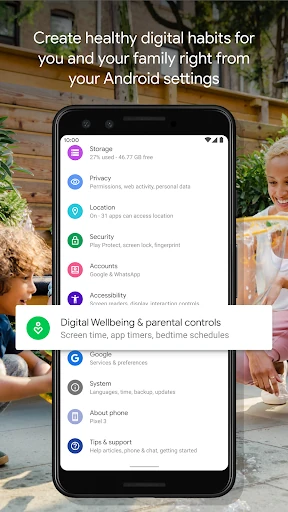
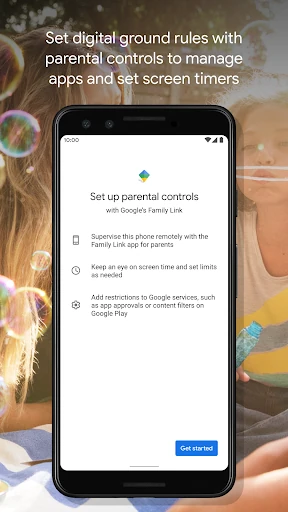
Digital Wellbeing is Google’s system-level tool for viewing and managing Android device use. It suits anyone who wants clearer information about their phone habits, including people trying to reduce social media time, limit distractions, or create a calmer evening routine. The app is developed by Google LLC and listed in the Tools category.
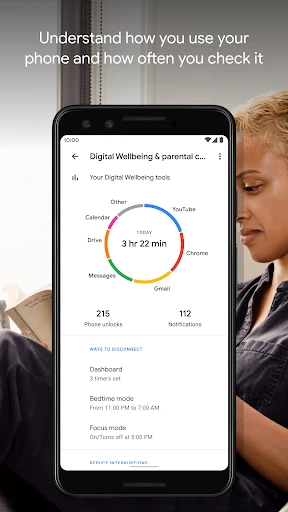
The usage dashboard brings several parts of your daily phone activity into one place. You can review how often apps are used, how many notifications arrive, and how frequently the device is unlocked. These details make it easier to spot patterns instead of relying on guesswork.
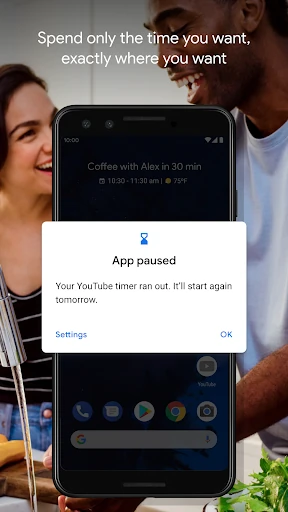
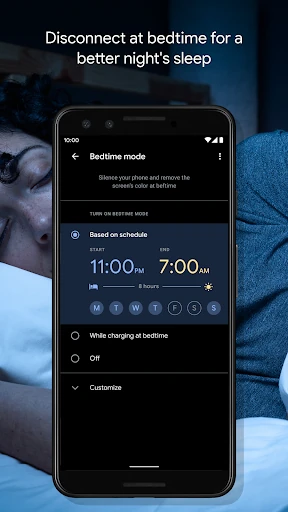
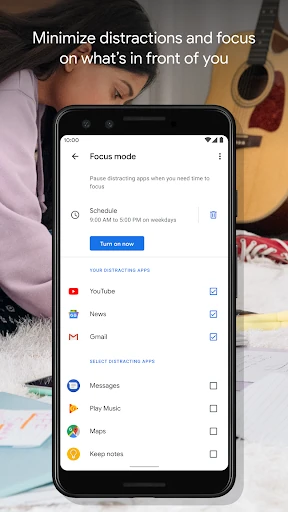
App timers can add a limit to habits that are difficult to control, while Focus Mode temporarily reduces interruptions from selected apps. Bedtime Mode is aimed at nighttime use, combining a less stimulating screen with fewer alerts. These controls are straightforward, though timers can be changed or extended when you choose to override them.
Digital Wellbeing has a 3.55 rating from more than 1.36 million reviews and records 5,000,000,000+ installs. Its close connection with Android makes the information feel like part of the device rather than a separate tracking service. Depending on the phone, access may be presented through the system Settings area instead of a prominent standalone app icon.