
Advertisement
Click to download now, finish the installation quickly, and directly unlock the all-round experience
Advertisement
Screenshots
Click to download now, finish the installation quickly, and directly unlock the all-round experience
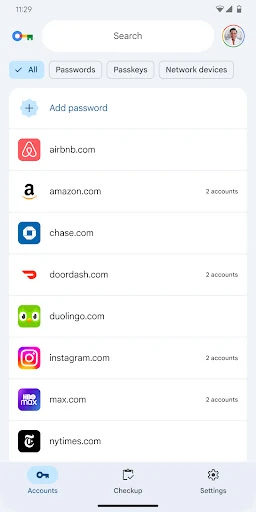
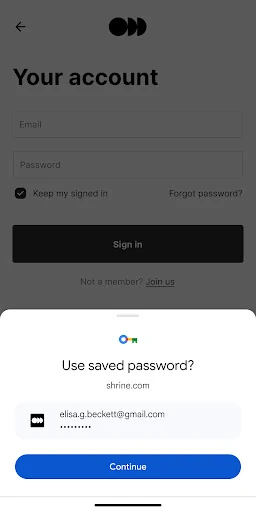
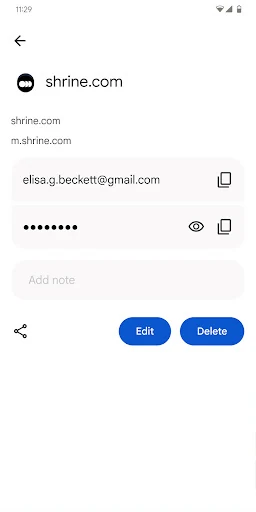
Google Password Manager stores and manages saved passwords for websites and apps, then helps fill them in when you sign in. It also supports passkeys, letting compatible services use your device’s screen lock or biometric check instead of a traditional password. It suits Android users who want fewer repeated logins without relying on a separate password app.
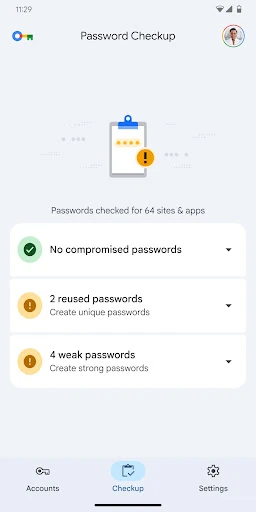
This is a practical choice for people already using Android and Chrome, especially if they want their saved credentials available without copying them between devices. It is also useful for anyone moving toward passkeys or trying to avoid reusing easy-to-remember passwords across different accounts.
Google Password Manager is listed in the Tools category and is developed by Google LLC. It has a rating of 4.33 out of 5 from 6,595 reviews, with 1+ installs shown in the listing. The package name is com.google.android.apps.credentialmanager.