Advertisement
Click to download now, finish the installation quickly, and directly unlock the all-round experience
Advertisement
Screenshots
Click to download now, finish the installation quickly, and directly unlock the all-round experience
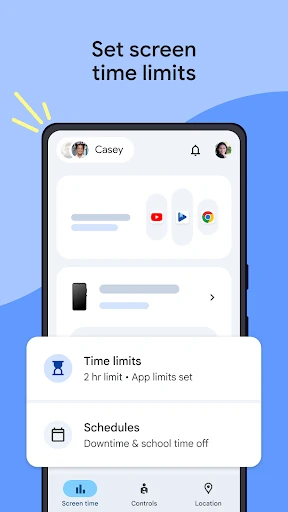
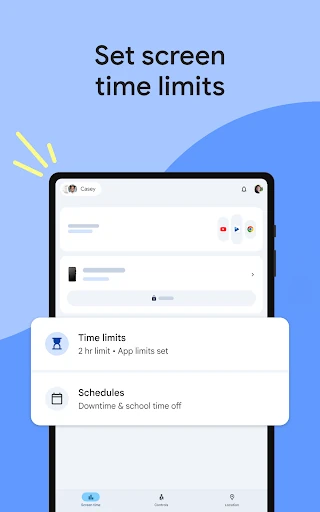
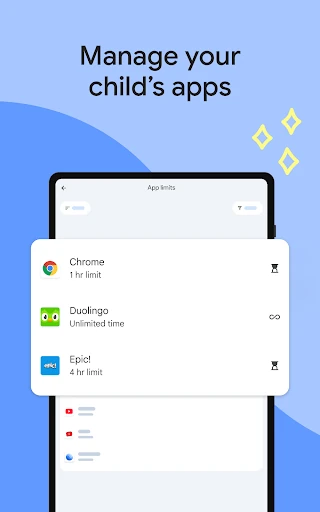
Google Family Link helps parents manage how children use compatible Android devices and selected Google services. It suits families that want practical controls for screen time, app access, online content, account settings and location sharing in one place.
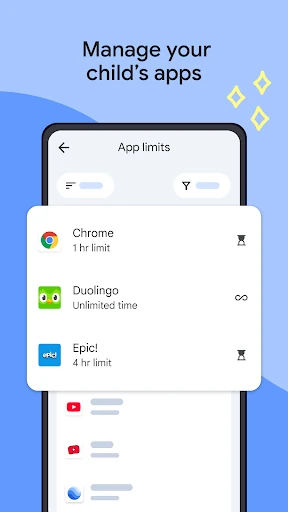
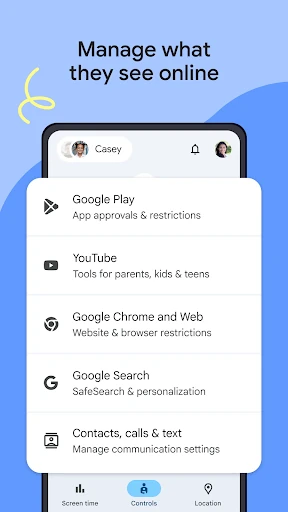
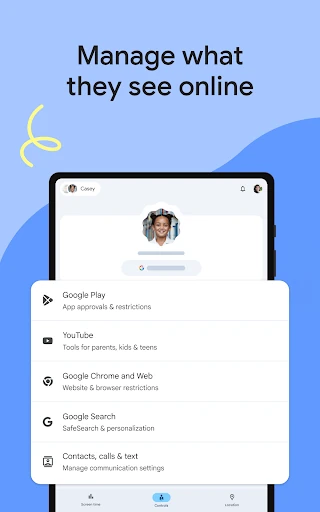
Family Link can require approval for new Google Play apps and help manage permissions. Parents can also apply controls across services such as Chrome, YouTube, Search and Google Play, including options for filtering unsuitable websites and content.
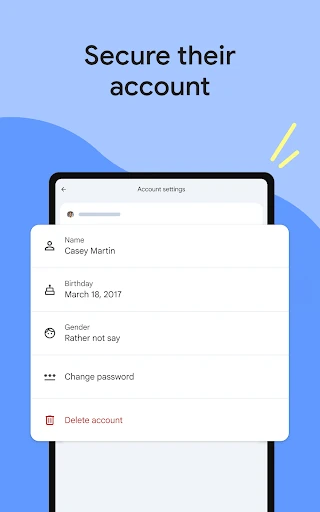
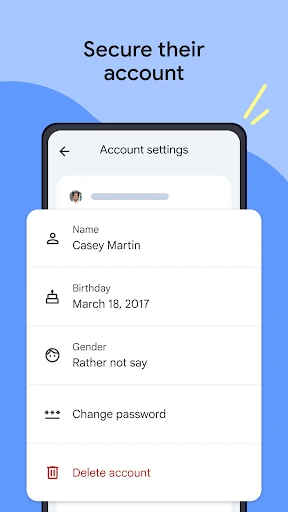
The app provides access to selected child account and privacy settings. Depending on the account and applicable age rules, parents may be able to update personal details, help reset a password or manage the account more broadly.
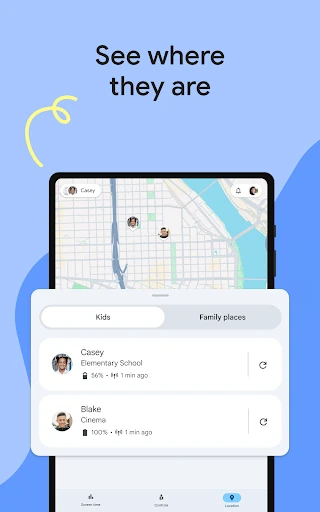
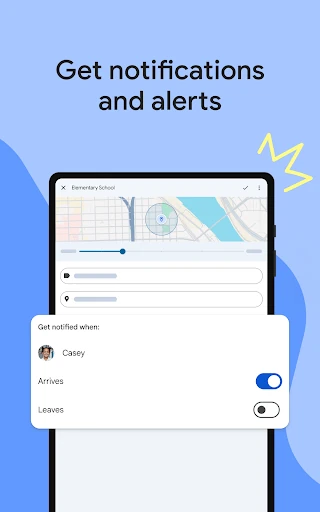
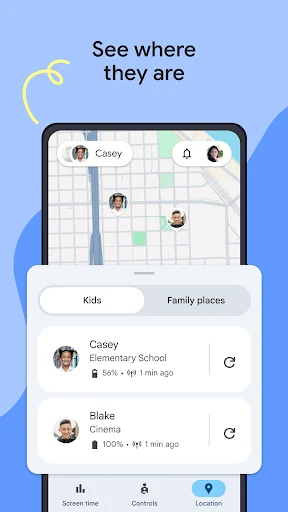
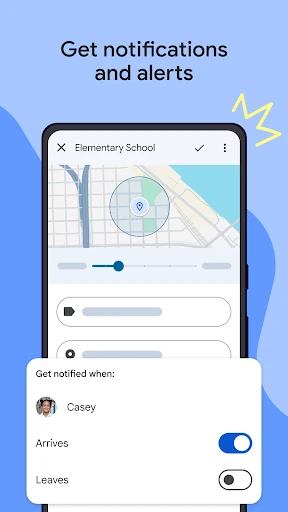
When a child is carrying their device and location sharing is available, Family Link can show their location on a map. It can also provide alerts for arrivals or departures from selected places, ring a device, and show its remaining battery level. Available controls depend on the child’s device and the Google services involved.
Google Family Link is developed by Google LLC and listed in the Tools category. With a 4.57 rating from more than 4.8 million reviews and 100,000,000+ installs, it is widely used by parents who want more visibility and structure around family technology use.