Android Accessibility Suite
Google LLC
Downloads
10,000,000,000+
Source
Google Play
Advertisement
Click to download now, finish the installation quickly, and directly unlock the all-round experience
Advertisement
Screenshots
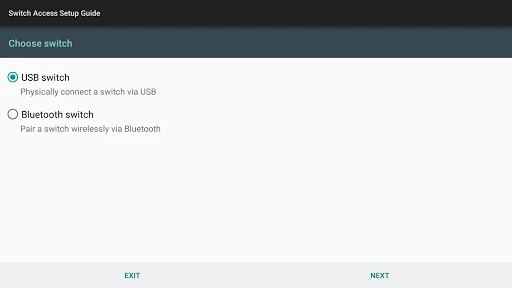
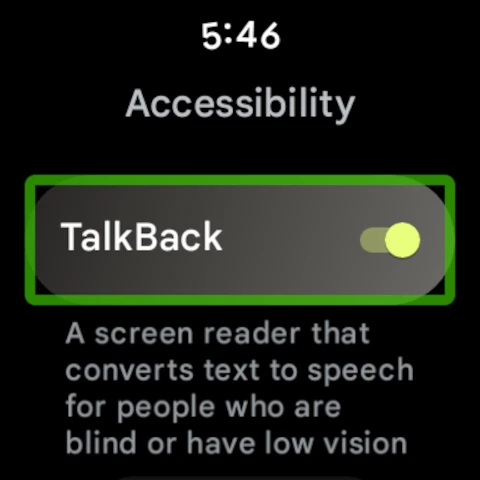
Click to download now, finish the installation quickly, and directly unlock the all-round experience
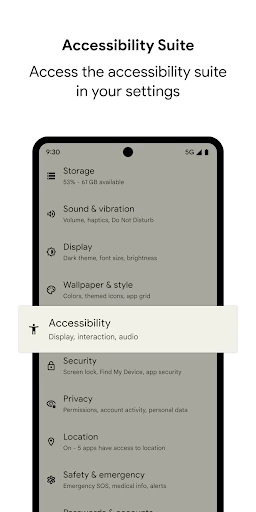
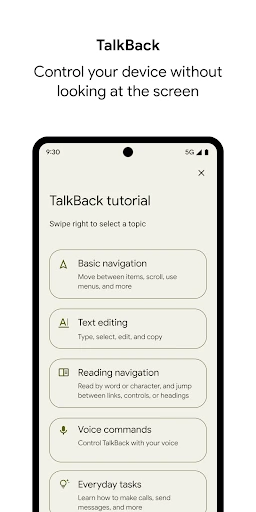
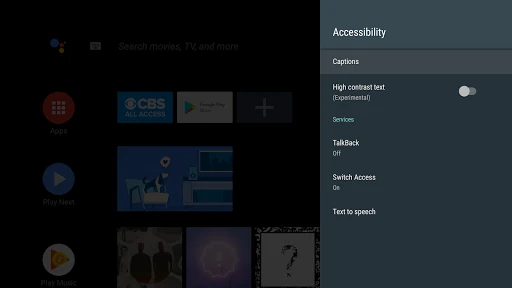
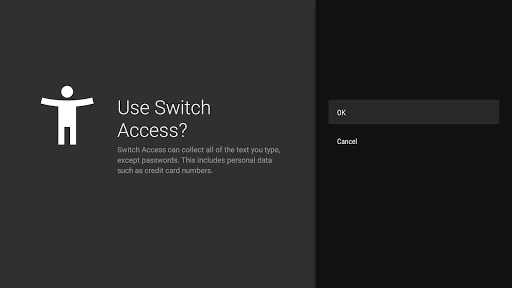
Android Accessibility Suite brings several built-in assistance tools together for people who are blind, have low vision, have reading difficulties, or need simpler ways to control a touchscreen. It is developed by Google LLC and belongs to the Tools category. The package name is com.google.android.marvin.talkback.
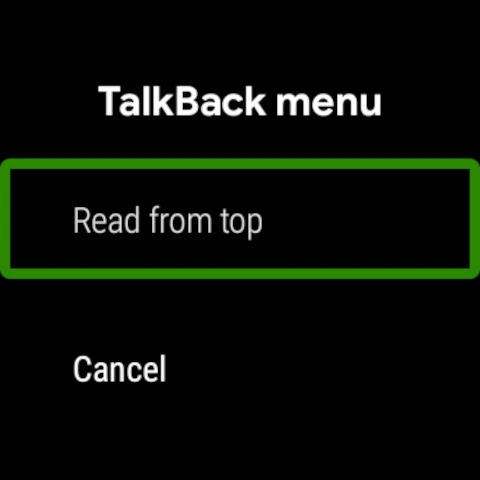
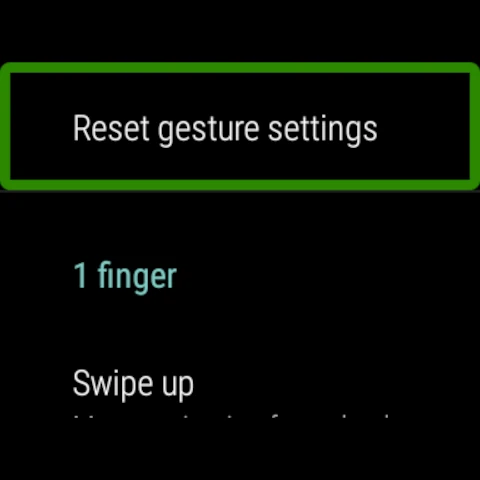
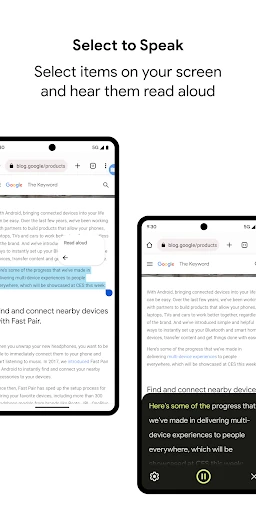
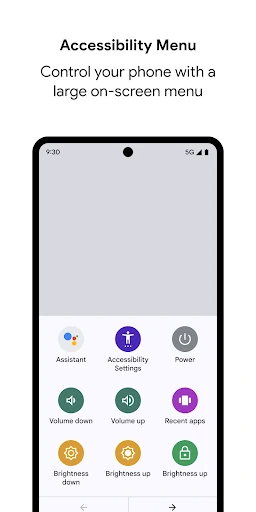
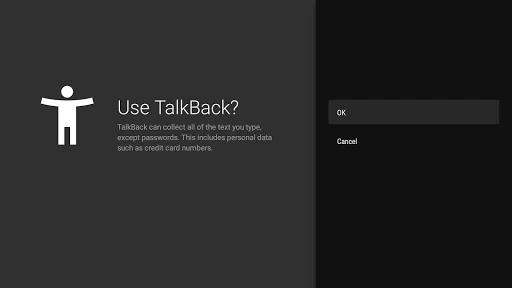
This suite is most useful for Android users who need spoken navigation, larger controls, or alternative text entry. TalkBack is aimed at eyes-free operation, while Select to Speak can help with individual passages or reading fatigue. The Accessibility Menu is also practical for users who find small touch targets or multi-step gestures difficult to use.
With a rating of 4.03121 out of 5 from 4,298,181 reviews, Android Accessibility Suite has broad user feedback behind it. Its listing reports 10,000,000,000+ installs, reflecting its role as a widely used Android accessibility tool rather than a general-purpose utility. The interface focuses on functional controls and system navigation instead of visual extras.