
Advertisement
Click to download now, finish the installation quickly, and directly unlock the all-round experience
Advertisement
Screenshots
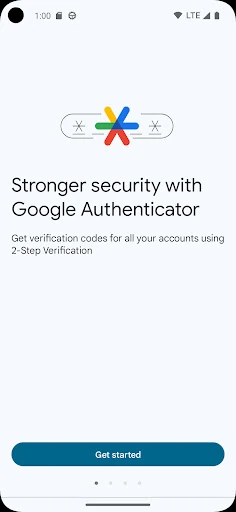
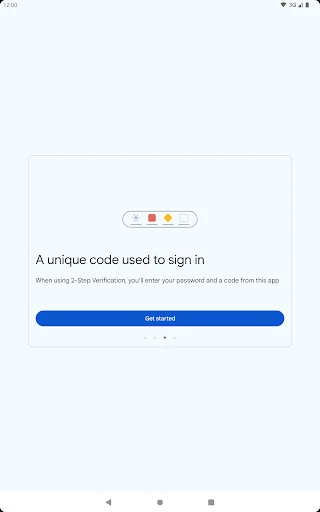
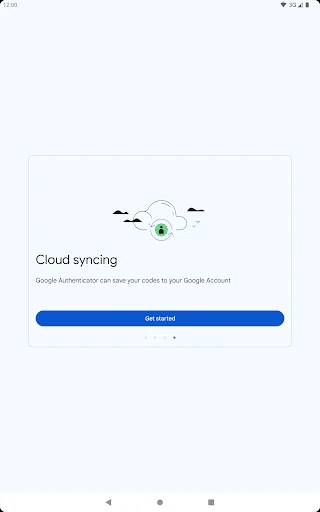


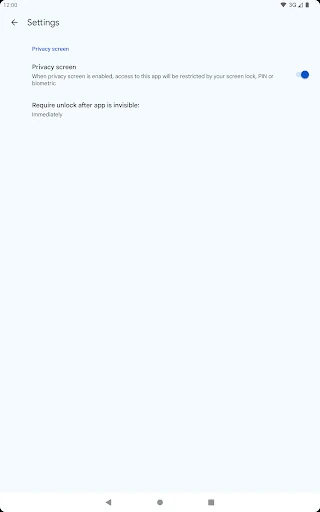
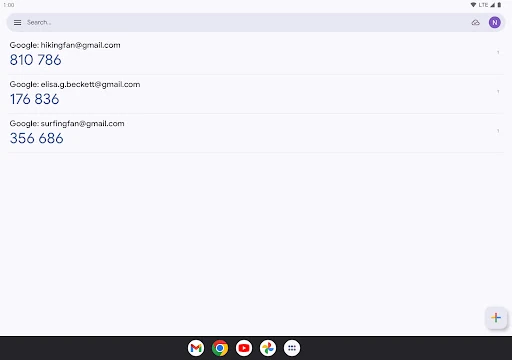

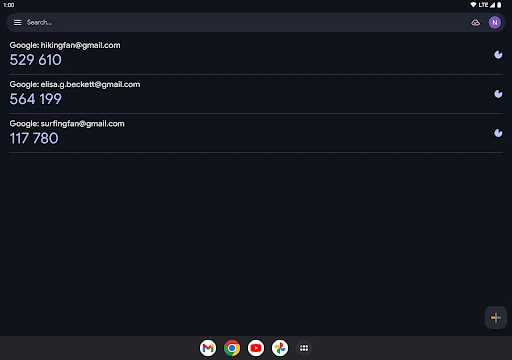
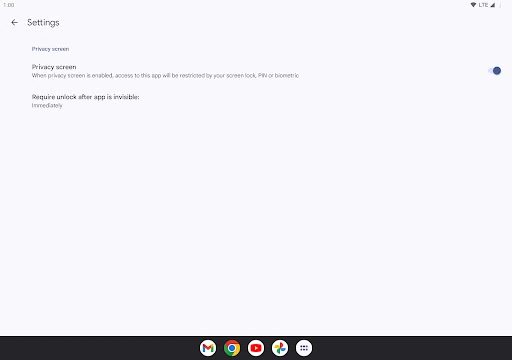
Click to download now, finish the installation quickly, and directly unlock the all-round experience
Google Authenticator generates temporary verification codes for accounts that use two-step verification. It is designed for people who want an extra sign-in check beyond a password, especially when protecting email, work, finance, social, or other online services. The app is published by Google LLC and listed in the Tools category.
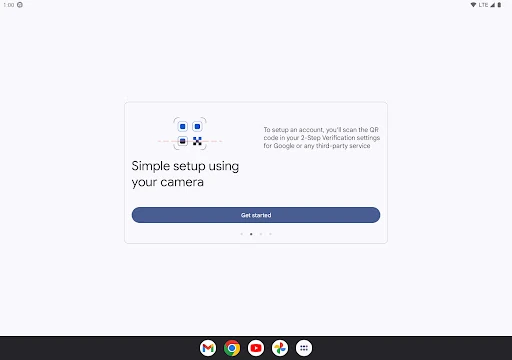
Accounts can usually be added by scanning a QR code, which avoids typing a long setup key by hand. Once configured, the app creates changing codes on the device. These codes can be available without a mobile data connection, so checking a code does not depend on network coverage at that moment.
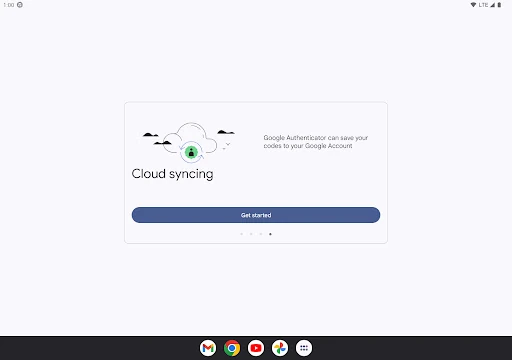
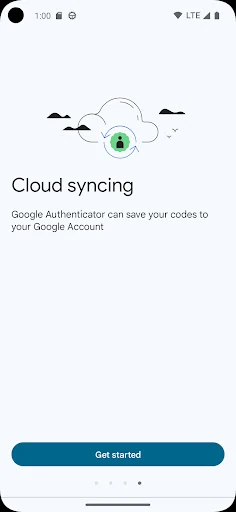
Google Authenticator can also sync codes with a Google Account, giving users a way to recover their authenticator entries when changing or replacing a phone. An export option supports moving multiple accounts to another device through QR codes. Alongside time-based codes, the app supports counter-based methods used by some services.
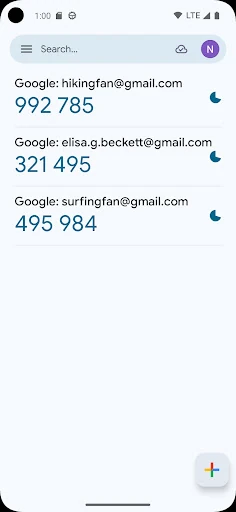
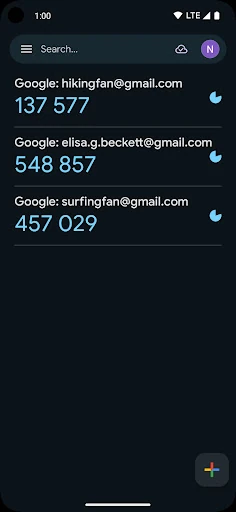
This is a practical choice for users who need a straightforward code generator rather than a full password manager. The main screen keeps account entries and current codes visible, with a countdown showing when a code is about to change. People managing many accounts may find a long list less convenient, but the basic task remains easy to understand.