Advertisement
Click to download now, finish the installation quickly, and directly unlock the all-round experience
Advertisement
Screenshots
Click to download now, finish the installation quickly, and directly unlock the all-round experience
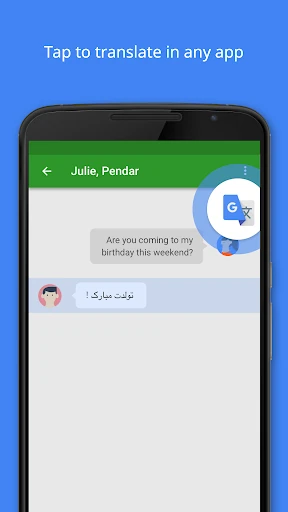
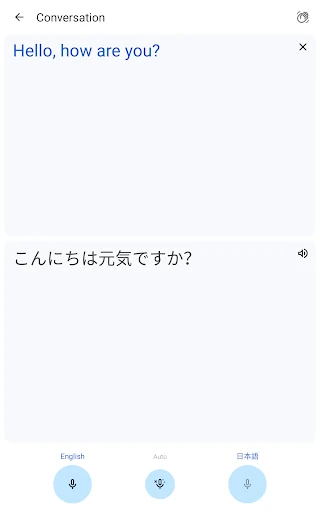
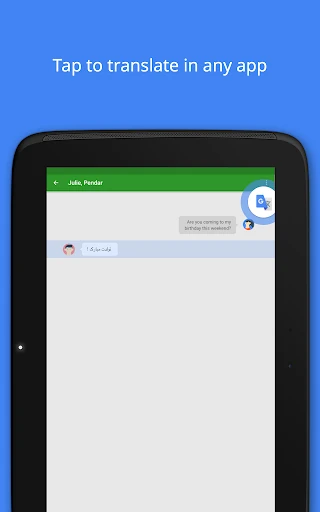
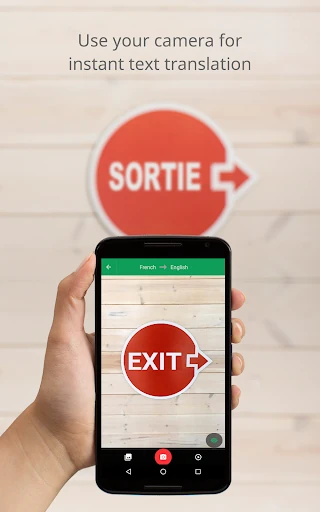
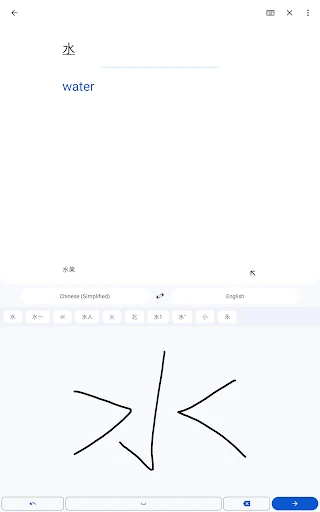
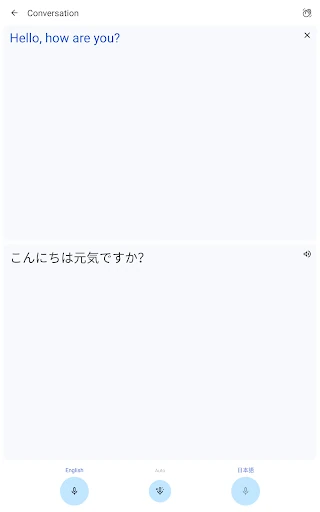
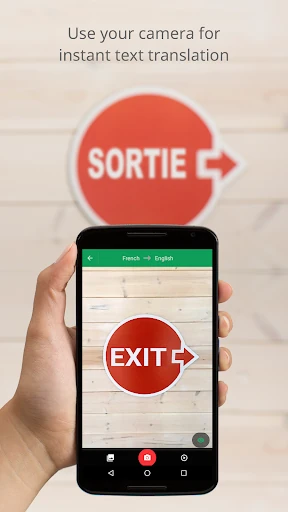
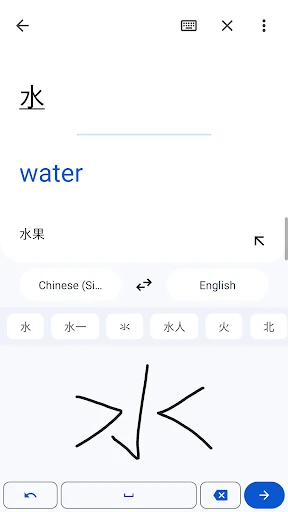
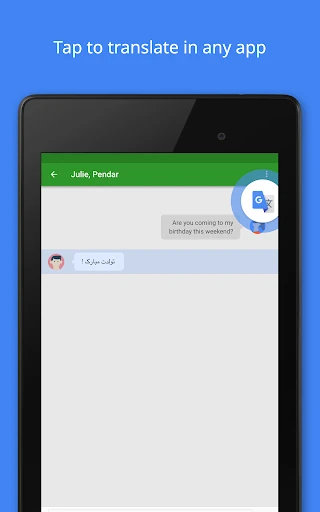
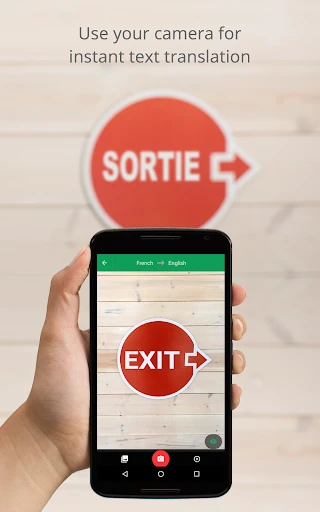
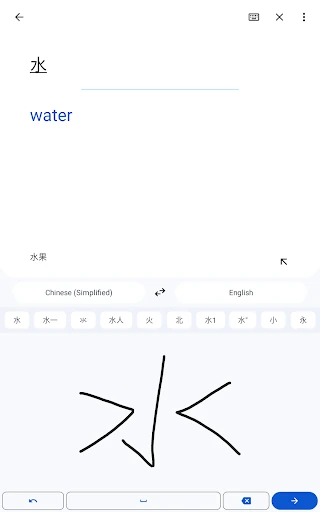
Google Translate helps travelers, students, workers and multilingual households understand written and spoken language. You can type text, speak into the microphone, draw characters by hand, or use the camera to translate signs, menus and other printed material. It is a practical fit for quick exchanges as well as occasional help with longer passages.
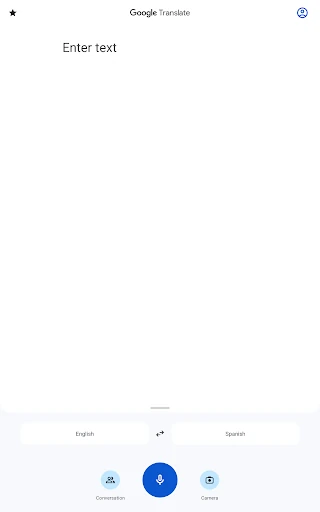
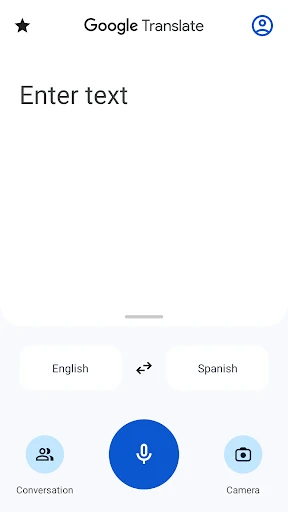
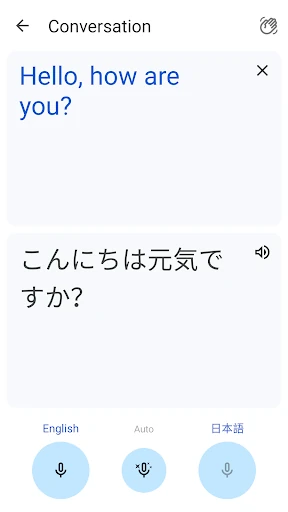
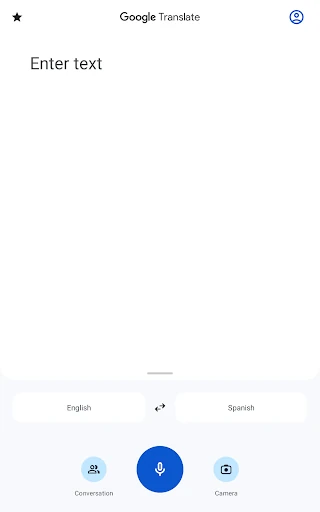
The main screen keeps text entry, language selection and the swap control close at hand. Separate modes make it easy to move from typing to voice, camera or conversation translation without searching through crowded menus. Language coverage varies by tool, so some functions support fewer languages than standard text translation.
Google Translate is listed in the Tools category and is developed by Google LLC. It holds a 4.27009 rating from more than 9 million reviews, with 1,000,000,000+ installs. That makes it suited to people who want one familiar translation utility for travel, communication, reading and basic language assistance.