Advertisement
Click to download now, finish the installation quickly, and directly unlock the all-round experience
Advertisement
Screenshots
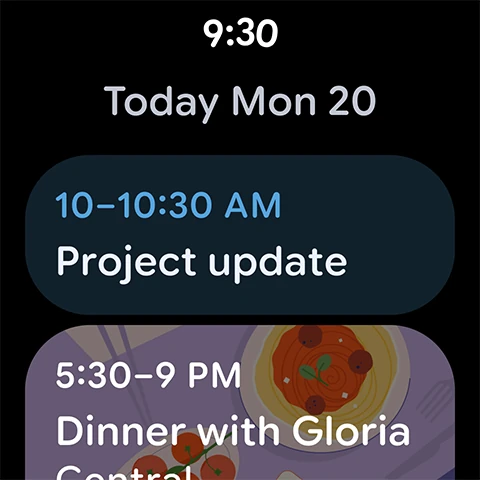
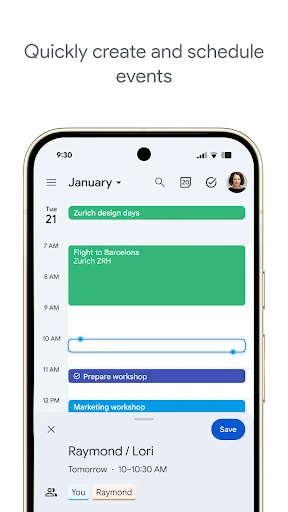
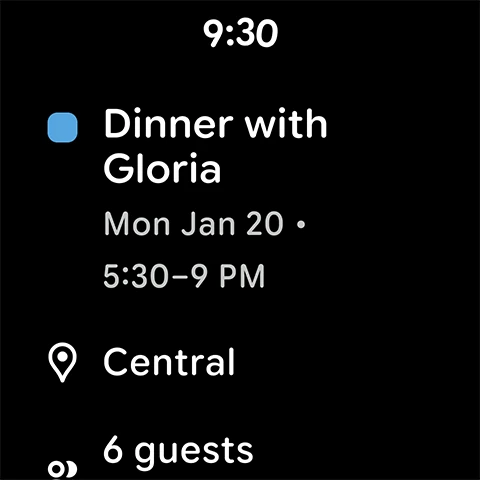

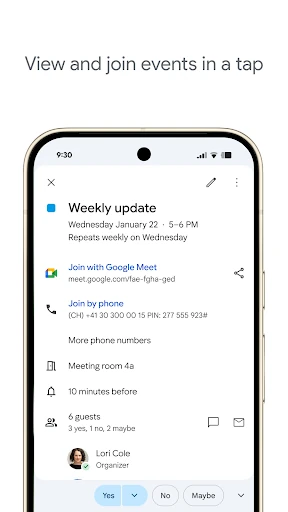
Click to download now, finish the installation quickly, and directly unlock the all-round experience
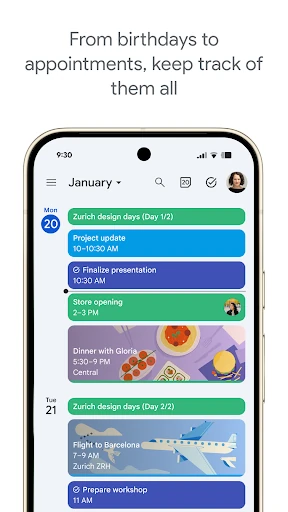
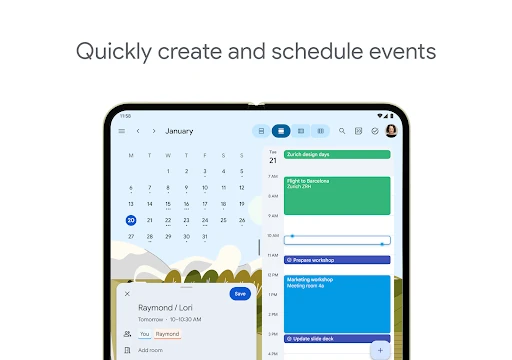
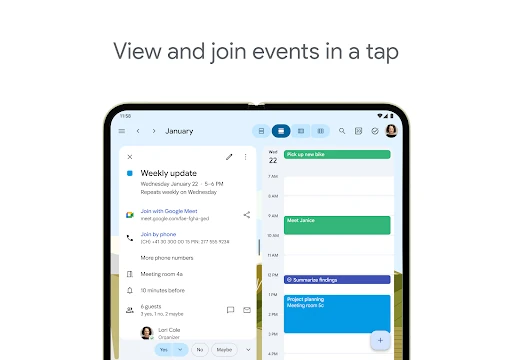
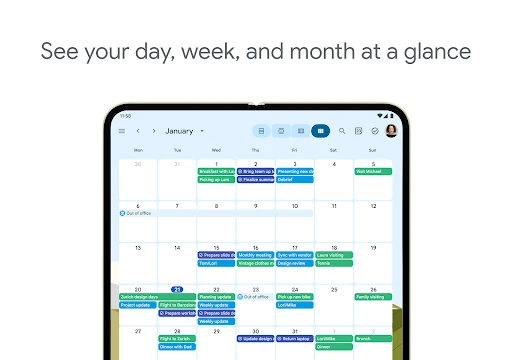
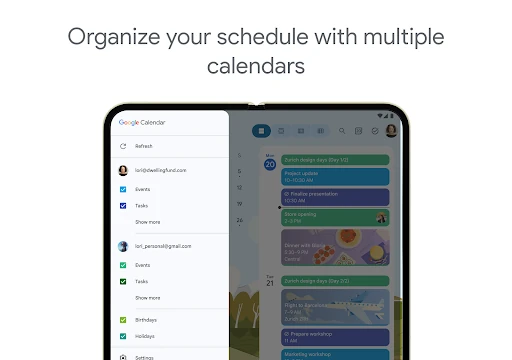
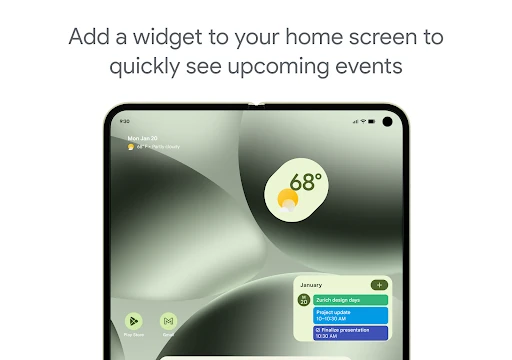
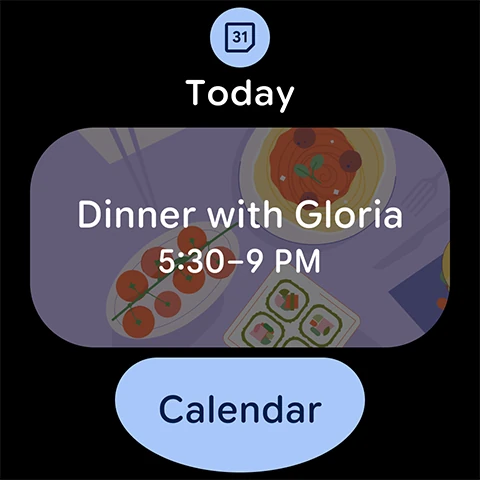
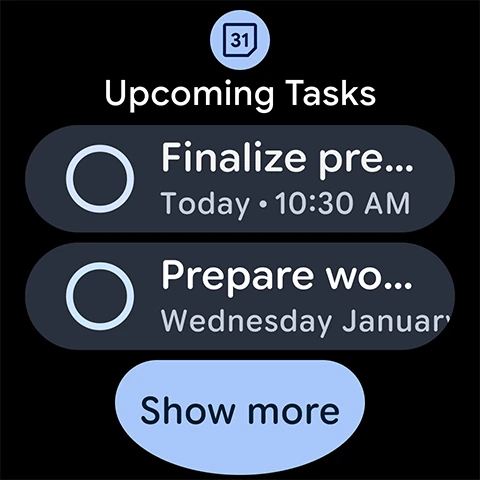
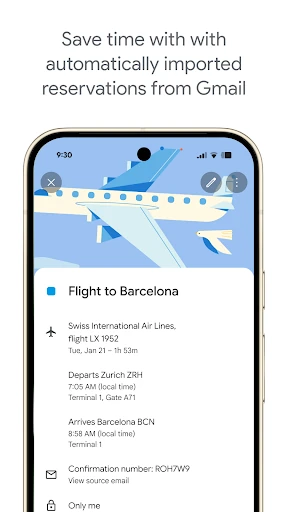
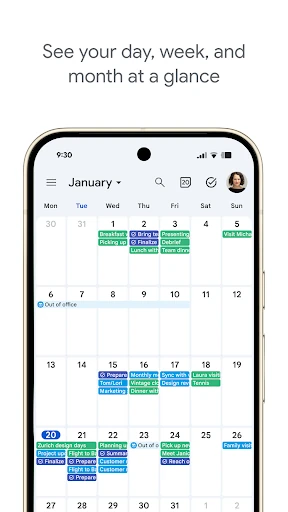
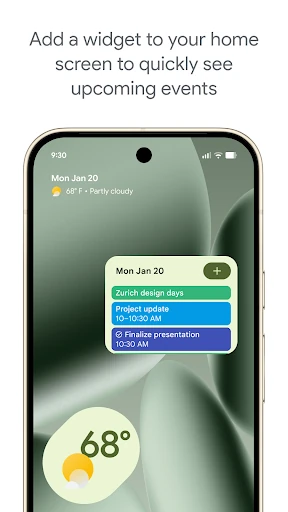
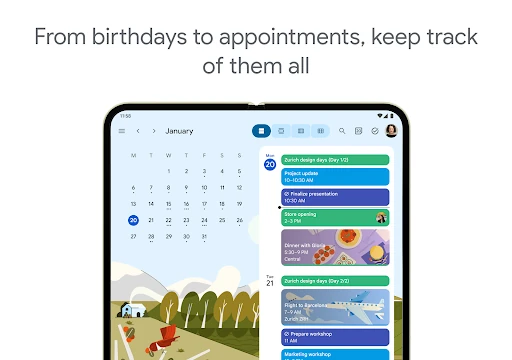
Google Calendar is a scheduling and time-management app for organizing events, appointments, reminders, and shared plans. It suits anyone who needs a clear view of personal commitments, work meetings, or both in one place. You can switch between day, week, and month views to check immediate tasks or review a broader schedule.
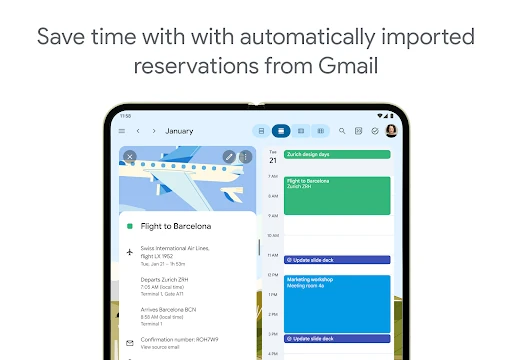
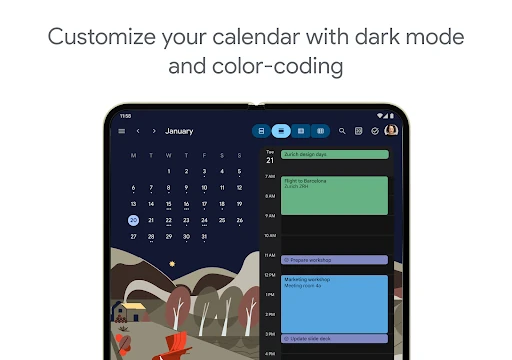
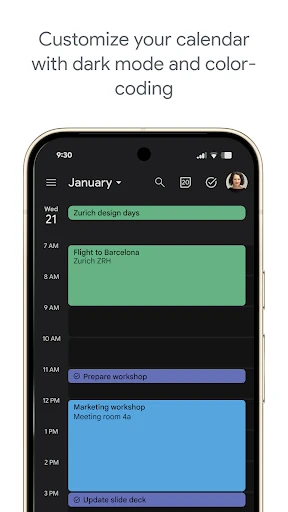
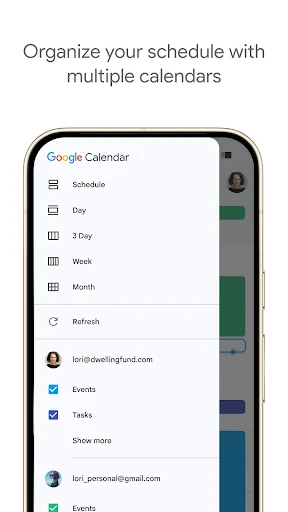
This is a practical choice for students, employees, families, and teams that need synchronized planning across devices. It is especially useful when several people must coordinate availability or when meetings and travel details are already handled through Google services. The layout keeps busy schedules readable through separate calendar colors and straightforward navigation.
Google Calendar is listed in the Productivity category and is developed by Google LLC. It has a rating of 4.647127 from 4,347,222 reviews, with 5,000,000,000+ installs. The package name is com.google.android.calendar.