Advertisement
Click to download now, finish the installation quickly, and directly unlock the all-round experience
Advertisement
Screenshots
Click to download now, finish the installation quickly, and directly unlock the all-round experience
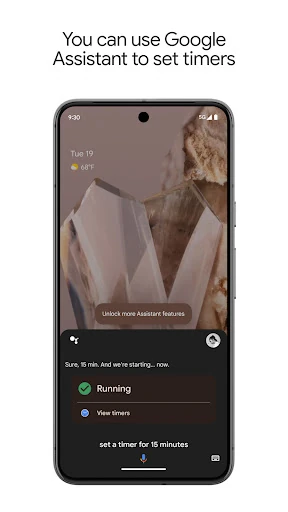
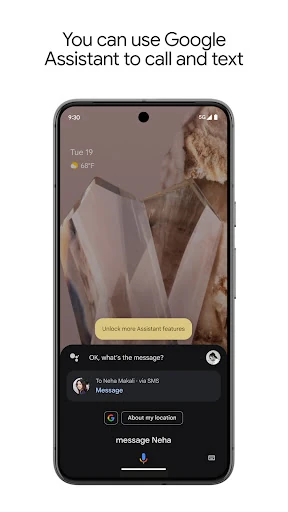
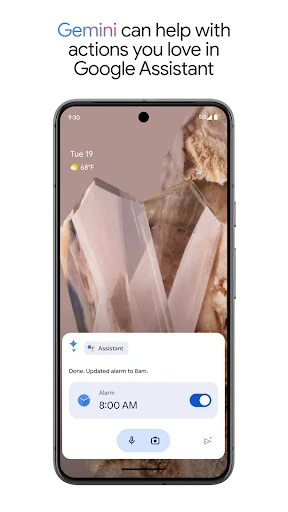
Google Assistant is a voice-controlled productivity tool for Android users who want to handle common tasks without opening several apps. It can answer questions, launch apps, adjust supported device settings, and respond to spoken requests. It suits people who regularly multitask, use their phone while moving around, or prefer speaking instead of typing.
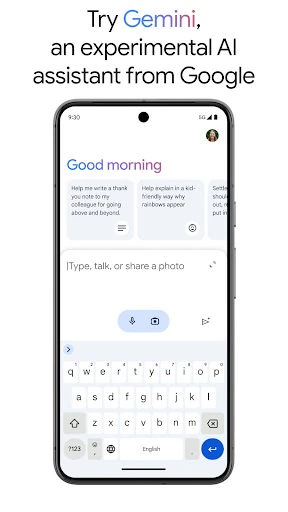
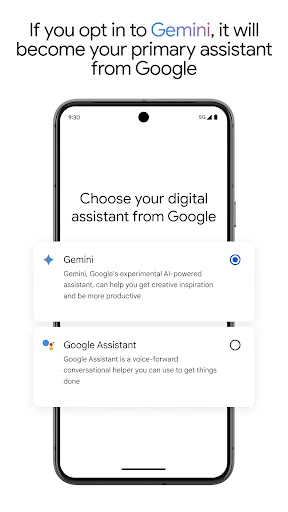
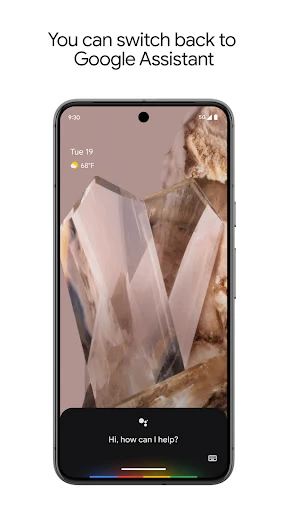
The app is designed to appear when needed rather than act like a separate workspace that must stay open. Voice input is the main interaction, while visual cards and text responses provide additional context. Its usefulness depends on the permissions, Google services, device settings, and connected products available on a particular phone. Some users may also encounter newer generative AI features, including Gemini-related assistance, as Google updates the experience.
Developer: Google LLC
Category: Productivity
Rating: 3.78 from 1,278,969 reviews
Installs: 5,000,000,000+
Google Assistant is a practical fit for Android users who want voice access to communication, reminders, searches, device controls, and compatible smart-home functions. It is less relevant if you prefer completing every task manually or do not use Google-connected services.