
Advertisement
Click to download now, finish the installation quickly, and directly unlock the all-round experience
Advertisement
Screenshots
Click to download now, finish the installation quickly, and directly unlock the all-round experience
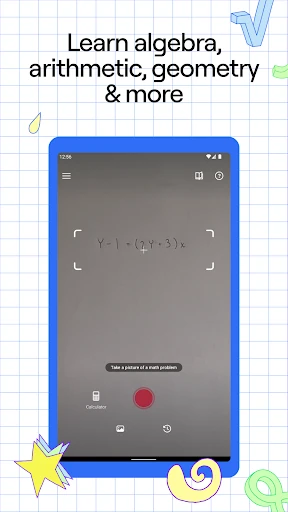
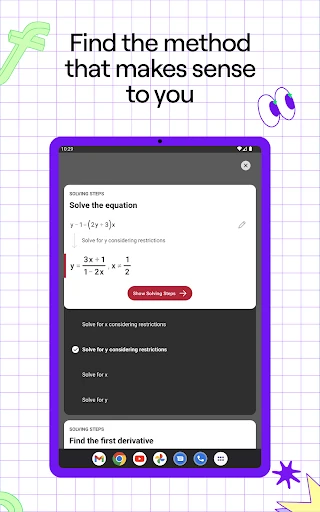
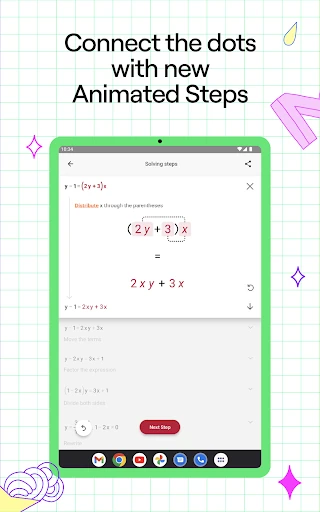
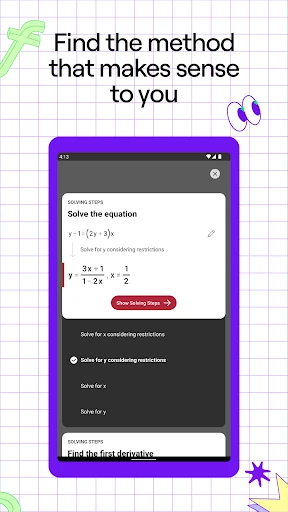
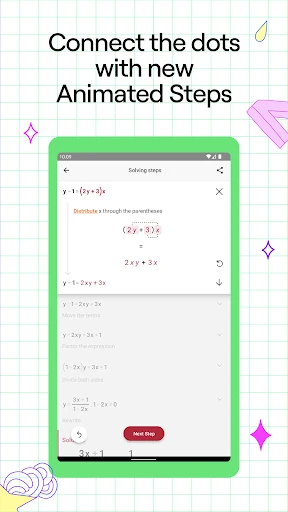
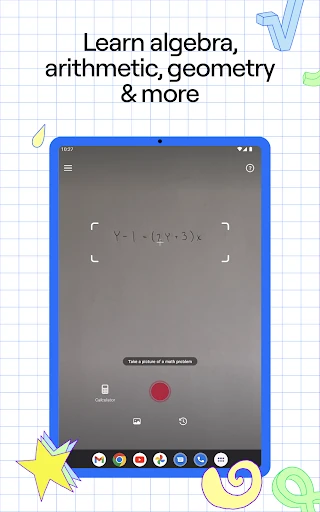
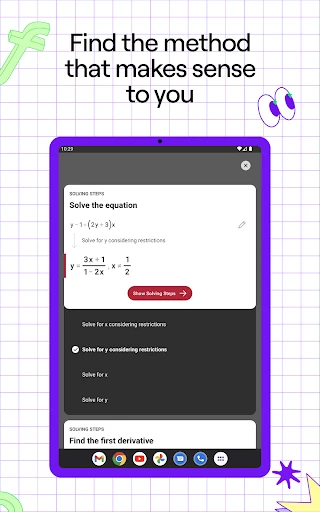
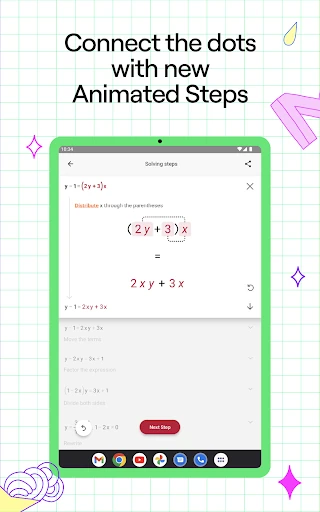
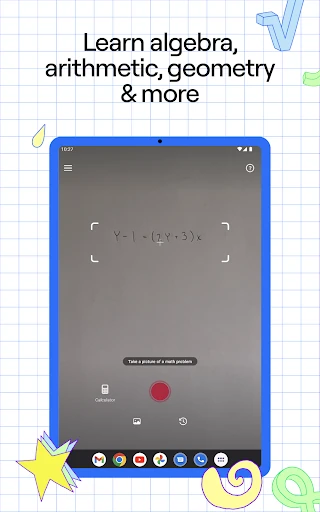
Photomath helps students work through maths problems with a phone camera or manual input. It recognizes printed and handwritten equations, then presents the answer alongside a step-by-step breakdown of the calculation. That makes it useful for checking homework, finding an error in working, or reviewing a method that was not clear in class.
The app is aimed at learners who need practical help with mathematics, from basic arithmetic through more advanced topics such as algebra and calculus. It can also suit parents helping with homework and anyone who wants to verify a result without entering a long expression from scratch.
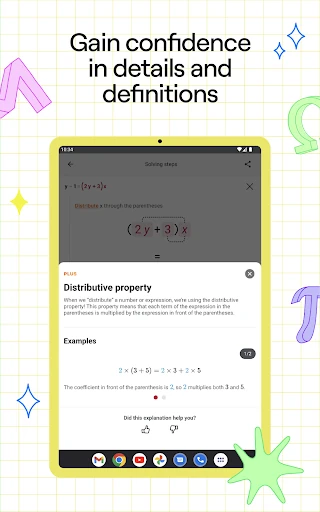
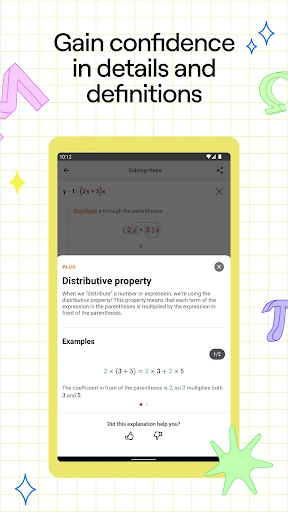
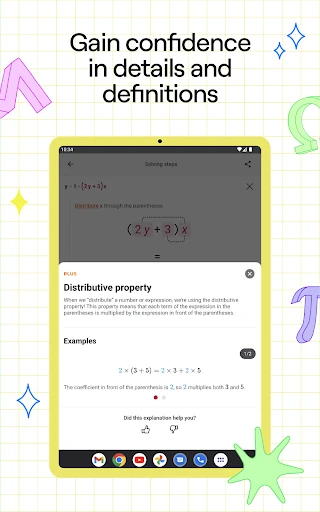
Photomath is built around quick access to a solution, but its main value is the explanation that comes with it. Rather than showing only a final number, it gives learners something to inspect and compare with their own work. The camera-based approach is especially handy for textbook exercises and handwritten notes, while manual entry works better for experimenting with specific equations.
Photomath is listed in the Education category and is developed by Google LLC. It has a 4.30 rating from more than 3 million reviews, with 100,000,000+ installs. Those figures point to a widely used maths reference and study tool, though students should still use the worked steps to learn the method rather than copy the final answer.