Advertisement
Click to download now, finish the installation quickly, and directly unlock the all-round experience
Advertisement
Screenshots
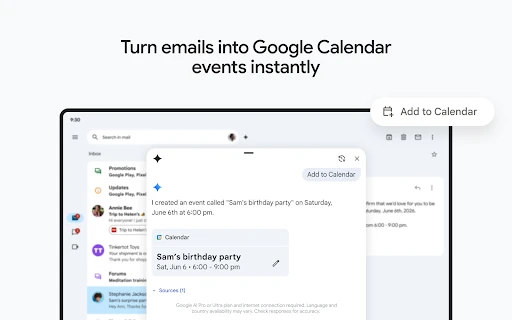
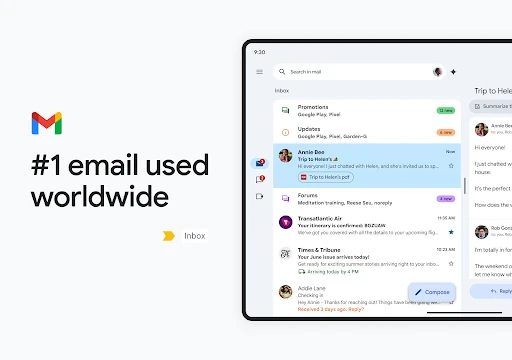
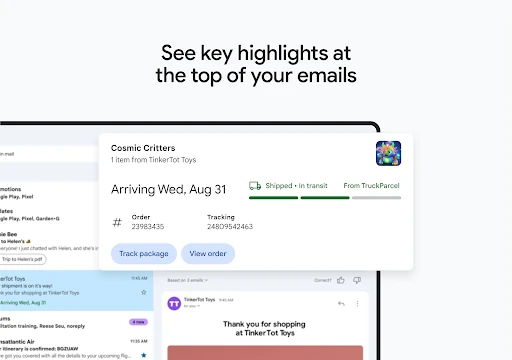
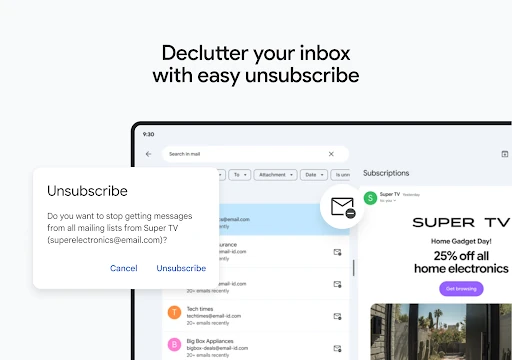
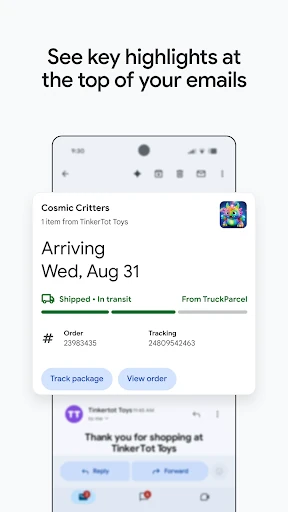
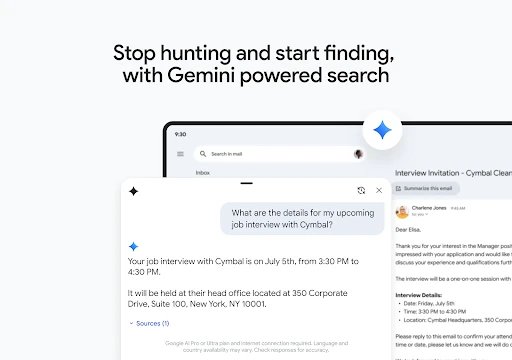
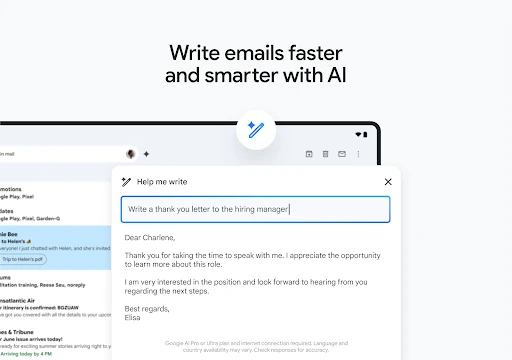
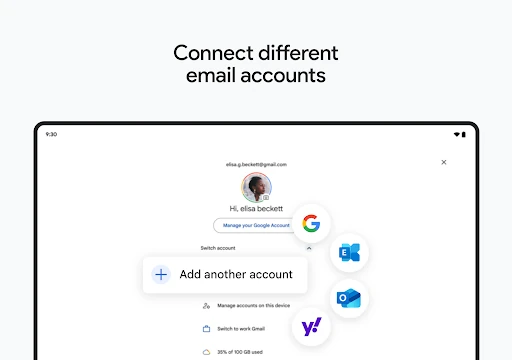



Click to download now, finish the installation quickly, and directly unlock the all-round experience
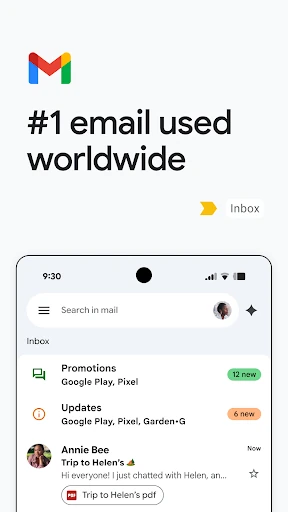
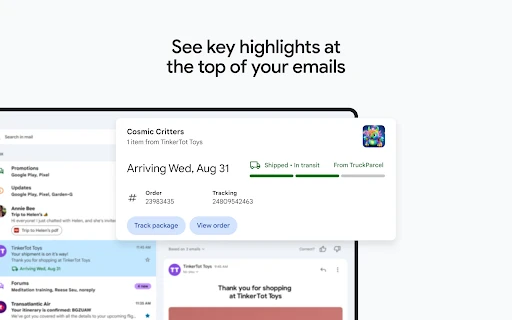
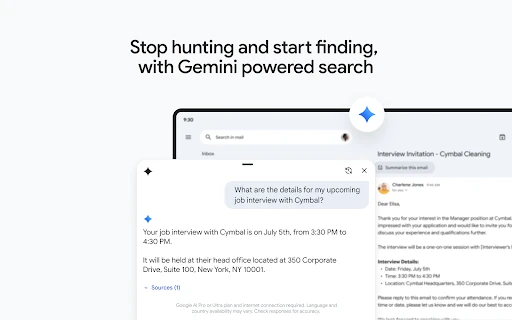
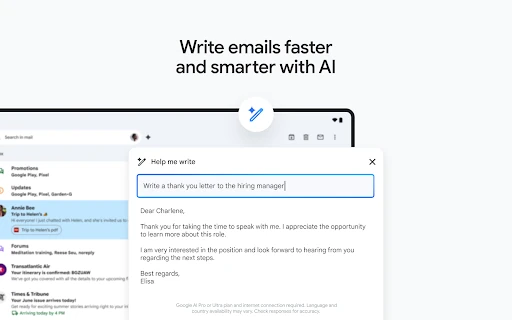
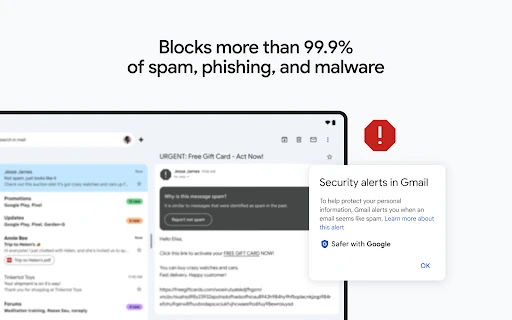
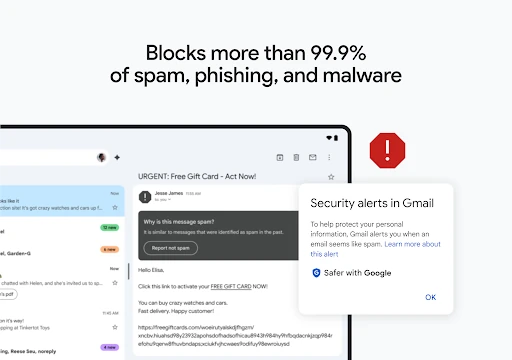
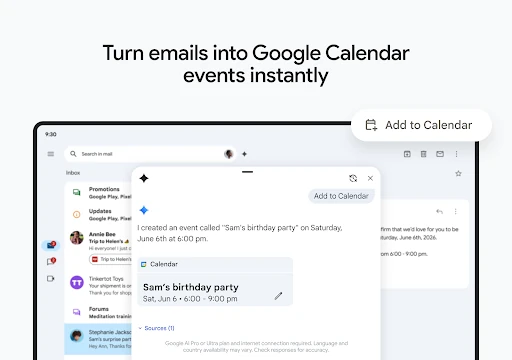
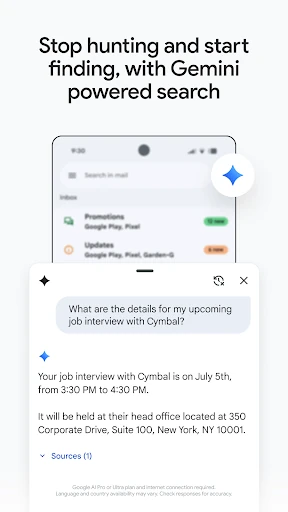
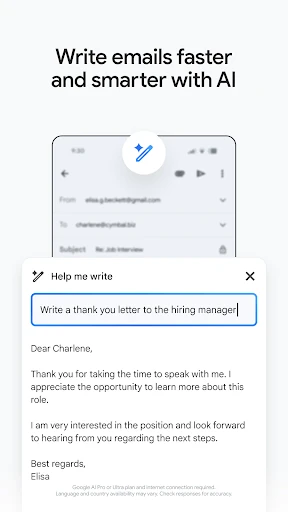
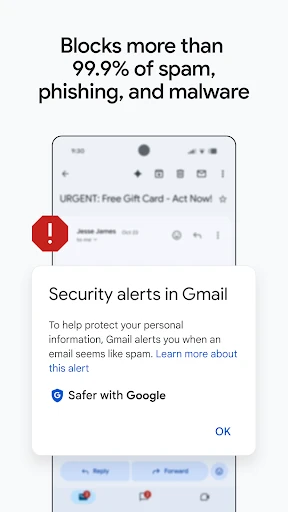
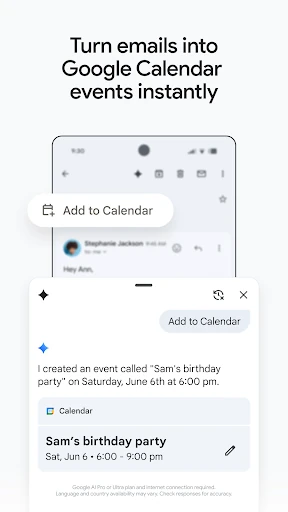
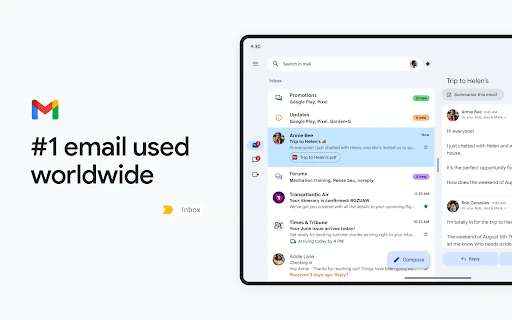
Gmail is Google’s email app for reading, sending and organising messages on an Android phone or tablet. It suits anyone who uses email for personal communication, work, school or several accounts at once. The app combines inbox management with search, spam filtering and access to Google’s wider communication tools.
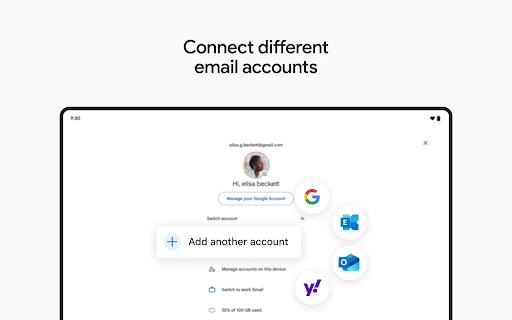
Gmail is a practical choice for users already relying on a Google Account or Google Workspace. It works well for people who receive a high volume of messages and need dependable search, automatic sorting and quick actions on a small screen. Casual users can keep it focused on basic email, while work and school users can use it alongside Google’s connected services.
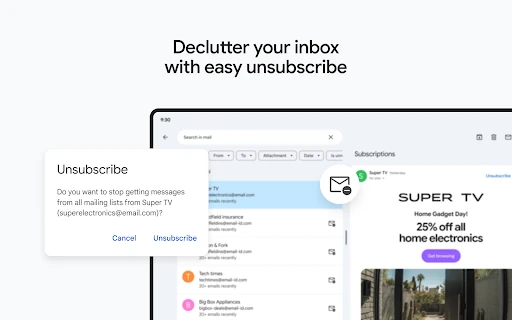
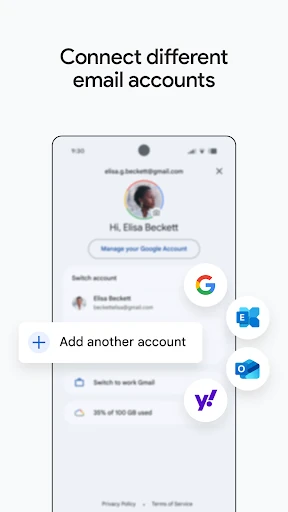
Gmail is listed in the Communication category and is developed by Google LLC. It has a rating of 4.114306 from 14,166,839 reviews, with 10,000,000,000+ installs. Its main appeal is straightforward: a familiar email service with strong filtering, broad account support and the search tools needed to keep a large inbox manageable.