Advertisement
Click to download now, finish the installation quickly, and directly unlock the all-round experience
Advertisement
Screenshots
Click to download now, finish the installation quickly, and directly unlock the all-round experience
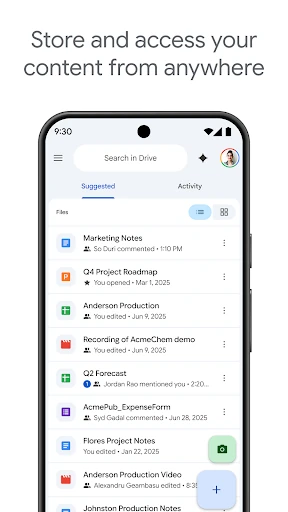
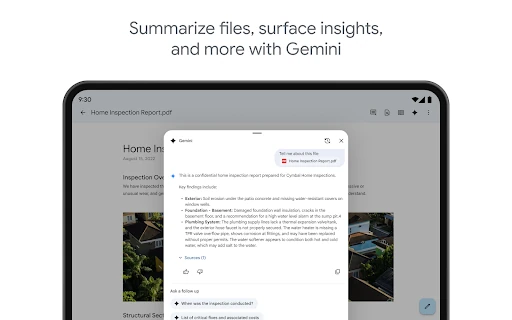
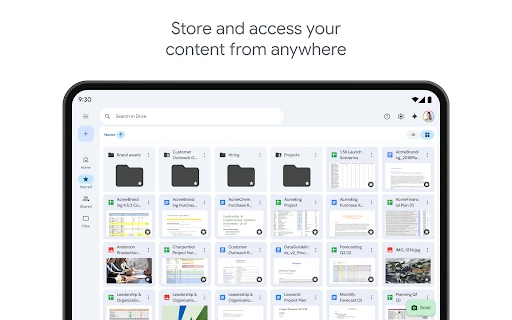
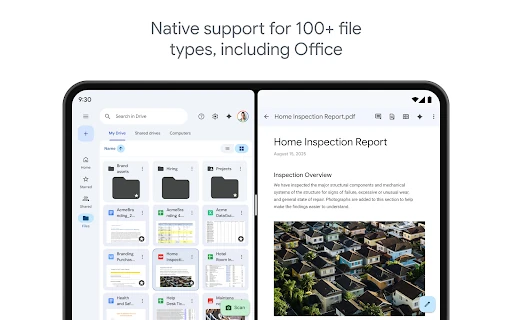
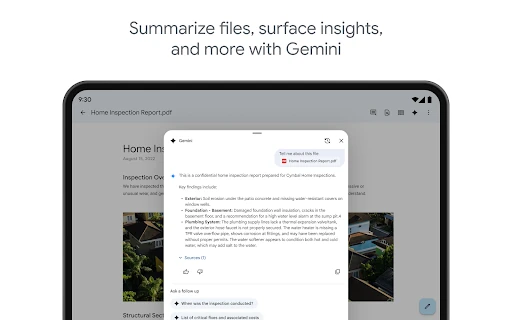
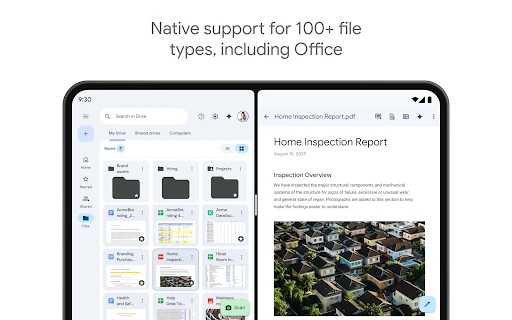
Google Drive is a productivity app for storing, organizing, viewing, and sharing files from an Android device. It suits students, office workers, teams, and anyone who moves between phones, tablets, and computers. The app supports common content such as documents, PDFs, Microsoft Office files, photos, and videos, keeping them available through one central file library.
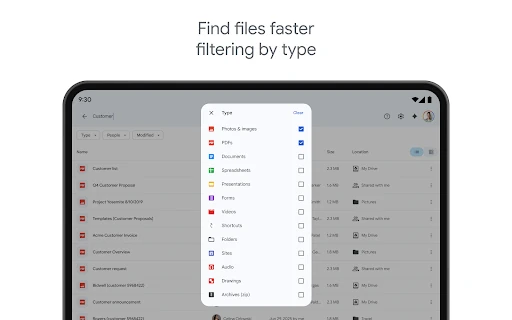
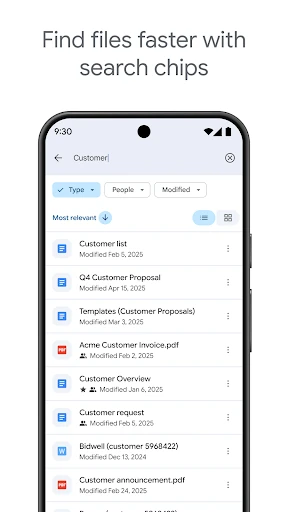
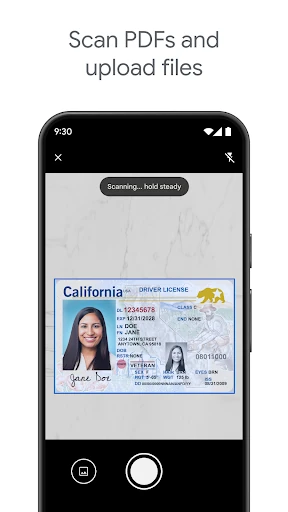
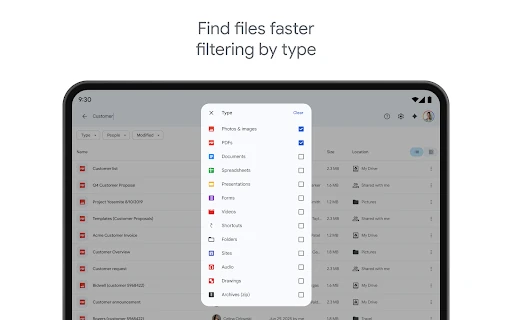
Drive uses folders, recent files, and suggested content to help you find items without browsing every directory. Search can be used to locate files by name and narrow results with filters such as file type or modification date. A camera-based scanning tool also lets you turn paper documents into digital files, which is useful for receipts, forms, notes, and other records.
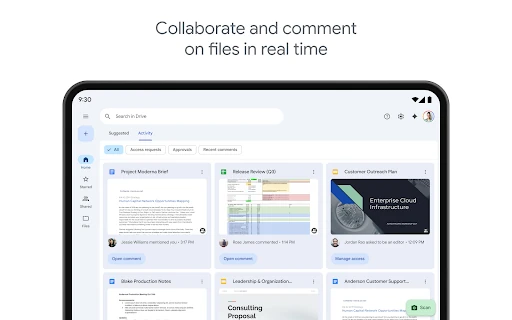
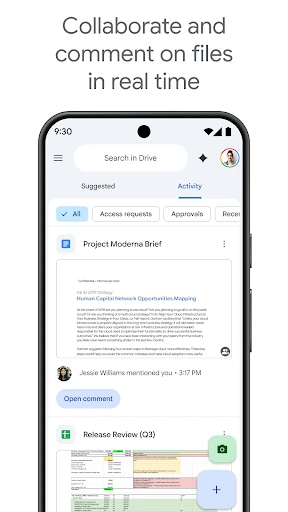
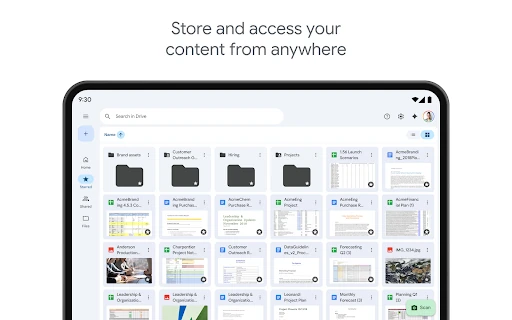
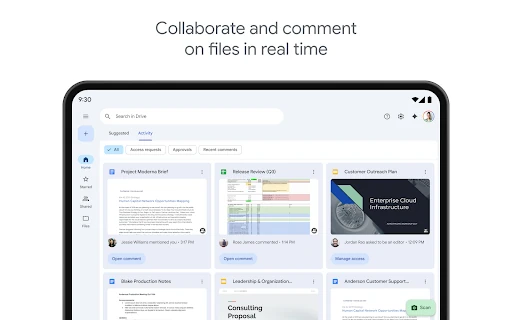
The app connects closely with Google’s wider productivity tools, including Docs and Gmail. Files can be shared with individuals or groups, with permissions set according to whether someone should view, comment, or edit. Activity updates help track changes, while offline access can keep selected files usable when an internet connection is unavailable. Tablet support adds more room for file management and multitasking.
Google Drive is a practical choice if you already use Google services or need a dependable place to keep files synchronized and accessible. It is less suited to people who only want a simple local file browser, since its main purpose is cloud-based storage, sharing, and collaboration.