
Advertisement
Click to download now, finish the installation quickly, and directly unlock the all-round experience
Advertisement
Screenshots
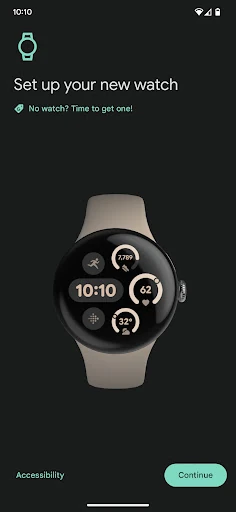
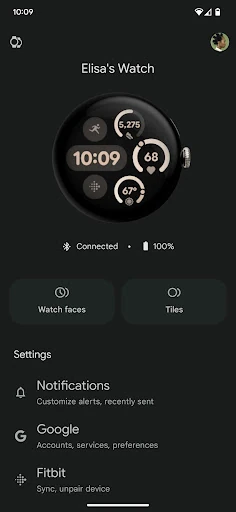
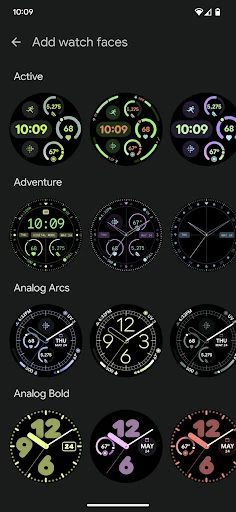
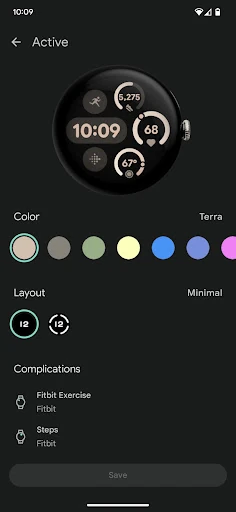
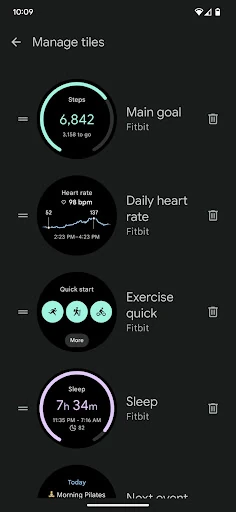
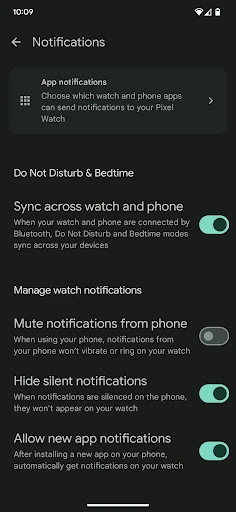
Click to download now, finish the installation quickly, and directly unlock the all-round experience
Google Pixel Watch is the companion app for setting up and managing Google’s Pixel Watch range from an Android phone. It connects the watch to your Google account, brings key device settings into one place, and helps keep phone and watch features working together. It suits Pixel Watch owners who want a central control panel rather than changing settings directly on the smaller watch screen.
This is a practical requirement for people using a Google Pixel Watch with an Android phone. It is most useful during initial setup, when customizing the watch, and whenever you need to change notification, account, or connection preferences. The app is focused on device management rather than serving as a general communication client, despite its Communication category listing.
Google Pixel Watch is developed by Google LLC and has a 4.775237 rating from 141,457 reviews. With 10,000,000+ installs, it is the established companion for Google’s wearable hardware. If you own a Pixel Watch, its value comes from keeping watch setup, personalization, alerts, and connected Google services accessible from your phone.