Advertisement
Click to download now, finish the installation quickly, and directly unlock the all-round experience
Advertisement
Screenshots

Click to download now, finish the installation quickly, and directly unlock the all-round experience
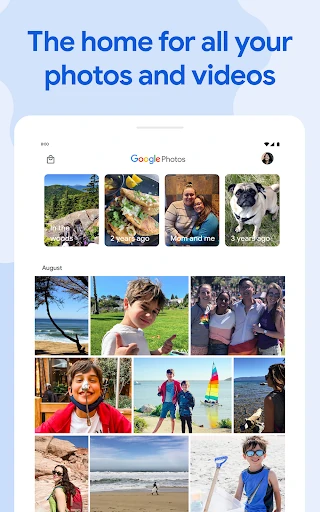
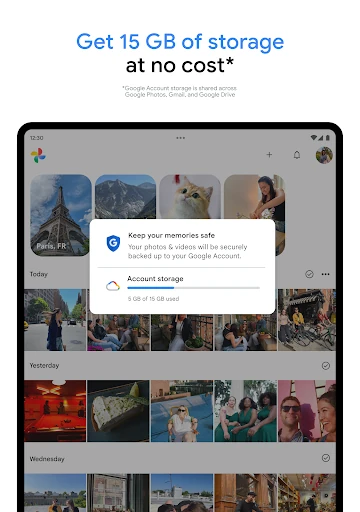
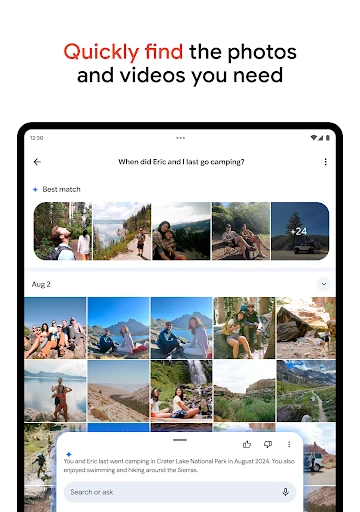
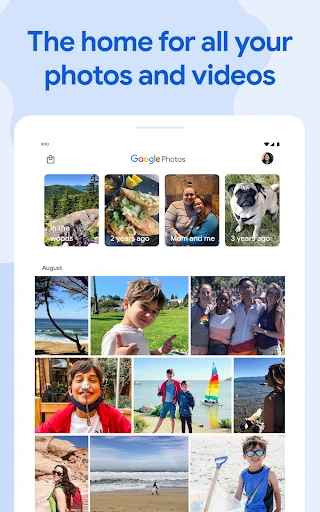
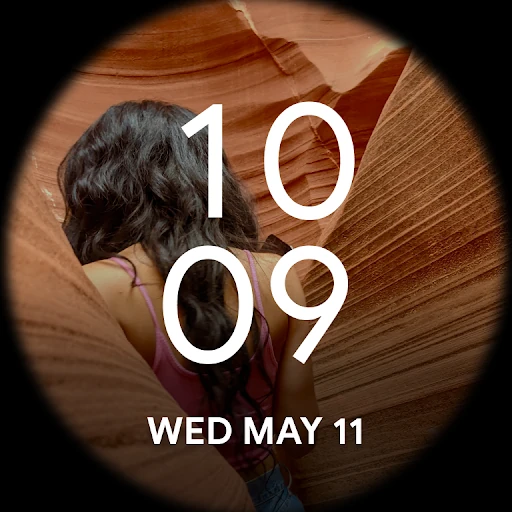
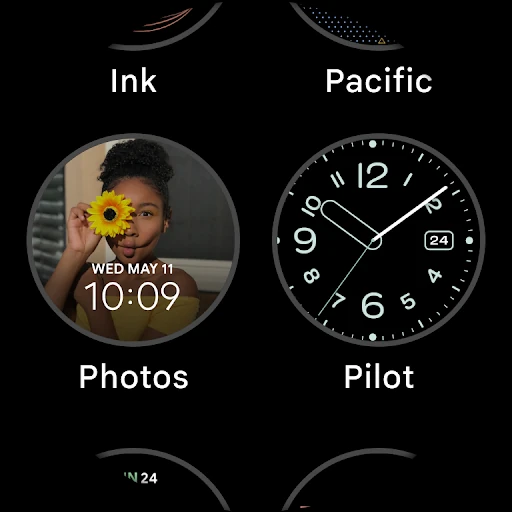
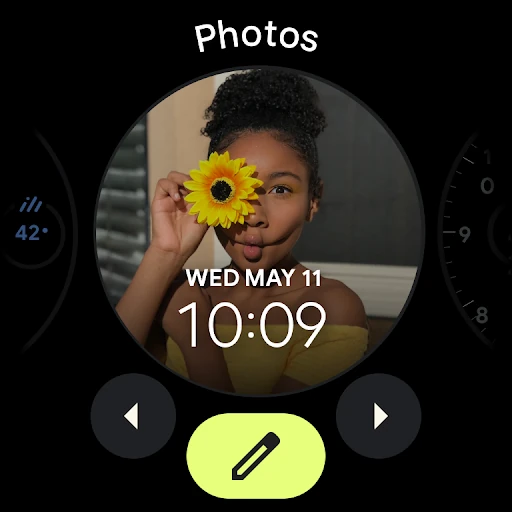
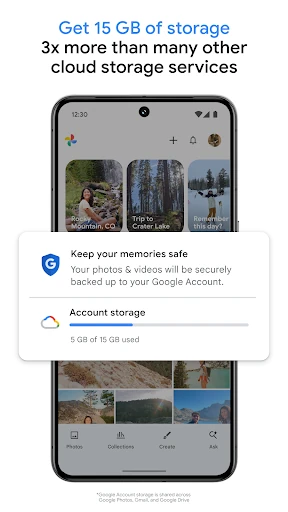
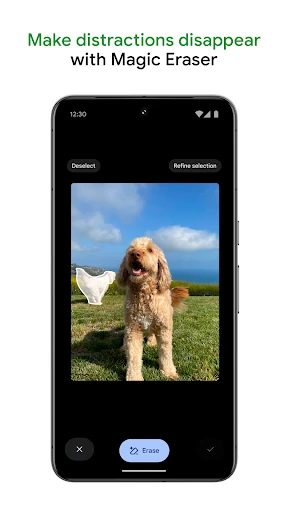
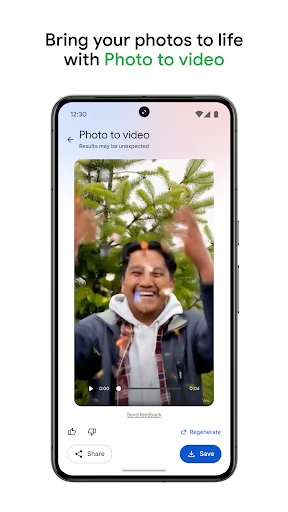
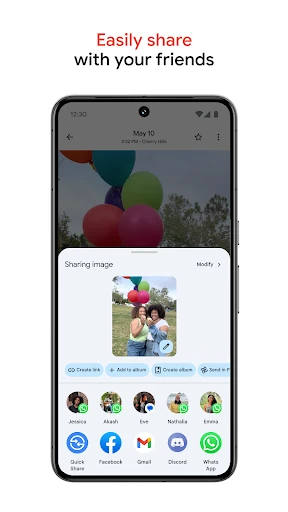
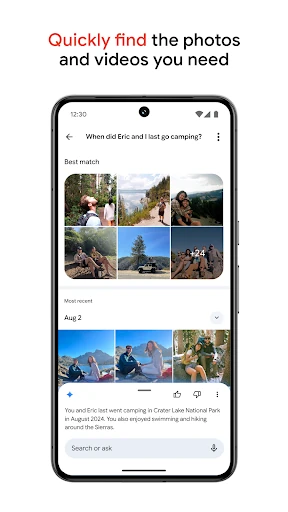
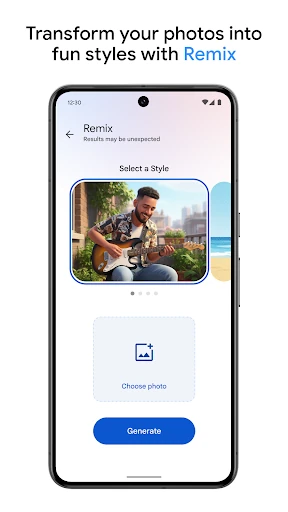
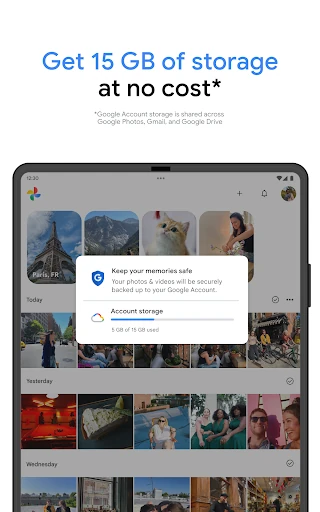
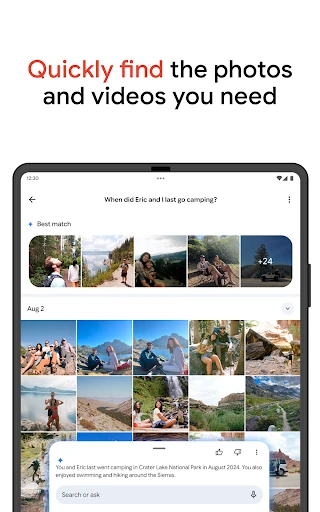
Google Photos is a photo and video gallery for saving, organising, searching and sharing your media. It suits anyone who takes pictures across phones or wants a single library that is easier to browse than a collection of device folders. Cloud backup keeps your library available across devices, while the familiar timeline brings recent and older memories into one view.
This is a practical choice for casual photographers, families and anyone who wants their images backed up without manually sorting every file. It also works well for users who frequently switch devices, since the same organised library can be reached from more than one screen. People with large collections may find its search and grouping tools more useful than a basic gallery app.
Google Photos is listed in the Photography category and is developed by Google LLC. It holds a 4.41/5 rating from more than 53.2 million reviews, with 10,000,000,000+ installs. Those figures reflect broad use, although the best experience depends on your available storage, backup settings and preference for Google’s photo-management system.