Advertisement
Click to download now, finish the installation quickly, and directly unlock the all-round experience
Advertisement
Screenshots
Click to download now, finish the installation quickly, and directly unlock the all-round experience
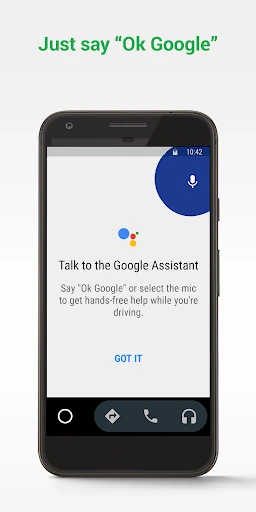
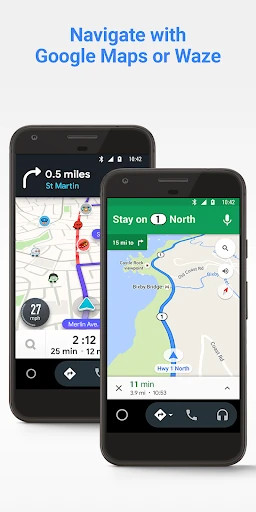
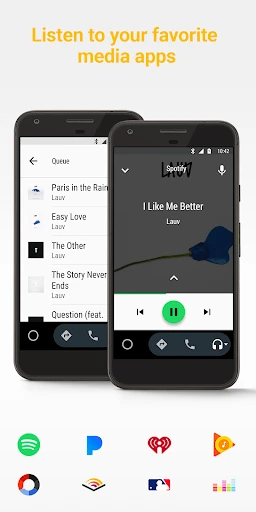
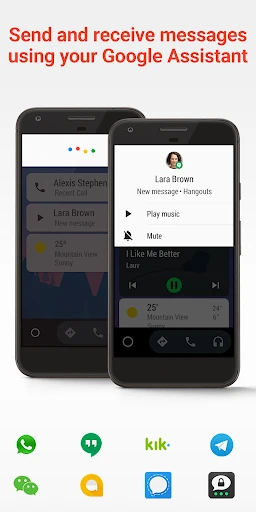
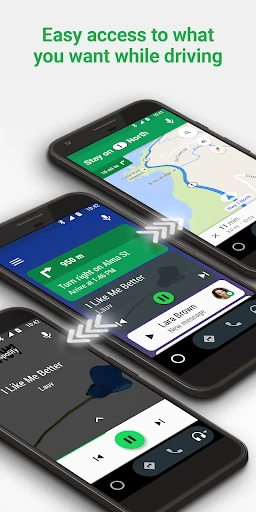
Android Auto brings selected phone functions to a compatible car display, giving drivers a simpler way to use navigation, communication and media while on the road. Its interface is built around larger controls and reduced visual clutter, with voice interaction available for tasks that are better handled without reaching for a phone.
Android Auto is aimed at drivers whose vehicles or head units support the platform and who want familiar phone services available from the dashboard. It is particularly useful for regular commuters, people who depend on live directions, and anyone who prefers voice controls for calls, messages or audio selection.
Developed by Google LLC, Android Auto is listed in the Auto & Vehicles category under package name com.google.android.projection.gearhead. It has a rating of 4.115924 from more than 5.8 million reviews, with 10,000,000,000+ installs. Compatibility depends on the vehicle, display system and supported apps in use.